See the work behind the result.
Drafts, research, revisions, and admin all take time. Review the work recorded on your Mac without reconstructing every hour from memory.

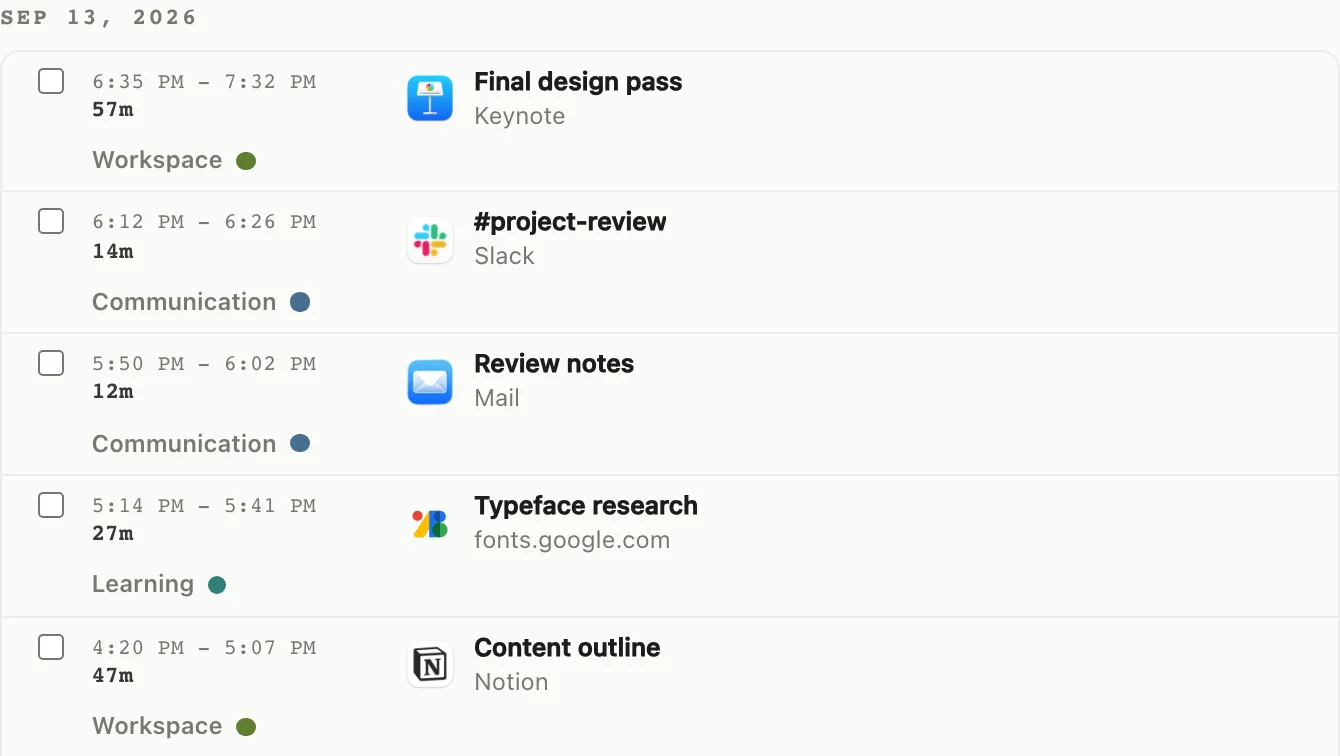
One finished file rarely explains the whole day.
Follow the work from the first reference to the last revision. Find the stages that needed more time than the deliverable itself suggests.
- 01
Before the first draft
Research and reference gathering belong in the same record as the work they support.
- 02
Through a round of feedback
Review the stretches of editing and email that made up the revision process.
- 03
Between the main tasks
See where communication and admin fitted around the work you set out to do.
Use the record for recall and planning, not as an invoice by itself.
drifty is strongest when you want to understand the work around a deliverable. Client billing still needs your judgment and whatever evidence your agreement requires.
| Workflow moment | What the record can reveal | What it does not claim |
|---|---|---|
| Research and references | The preparation that happened before visible production began | That every open page was billable work |
| Making and revisions | How production, feedback, and communication shaped the day | Automatic client or project assignment |
| Weekly review | Recurring focus blocks, overhead, and drift worth planning around | An invoice-ready timesheet without your review |
Plan your next day with today’s record.
Review activity time and focus patterns in Your Day, then use what you notice to plan your next session.

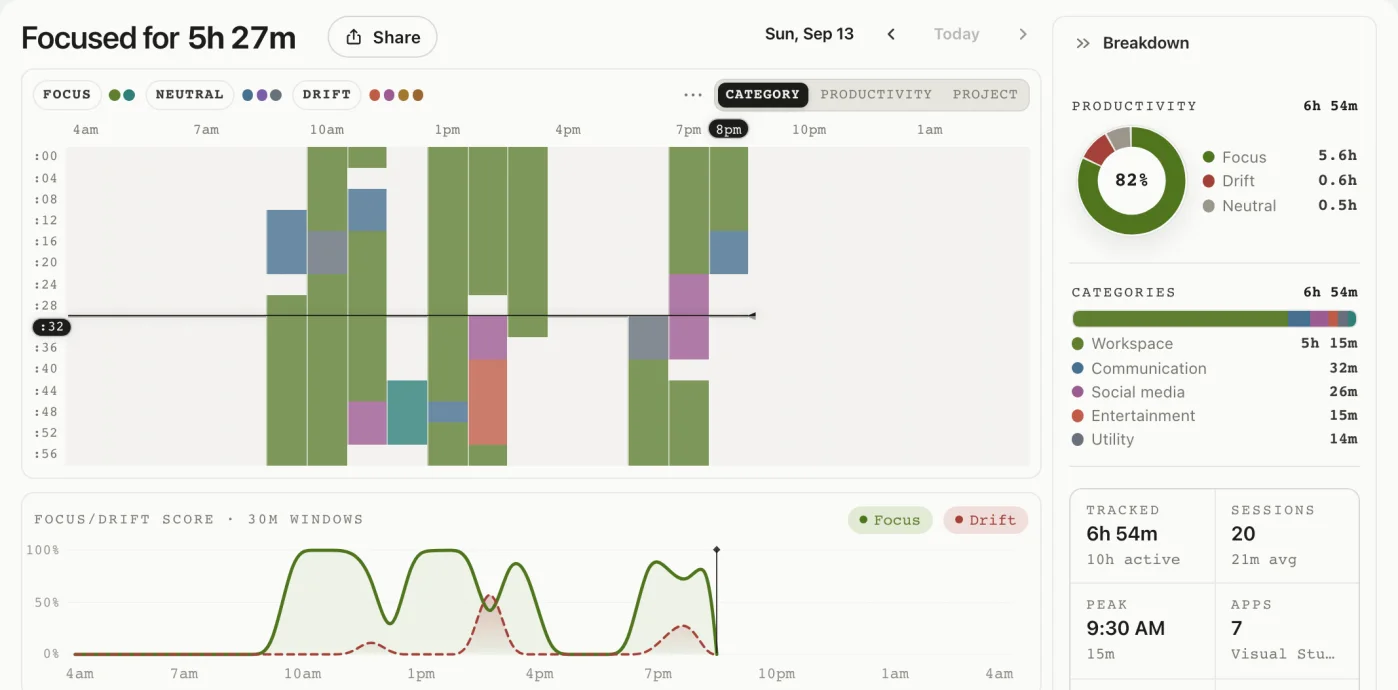
A few things to know.
Is this a client billing timer?
drifty helps you review activity and attention patterns. It is not presented as an automatic client timesheet or invoice generator.
Can I review a day with several kinds of work?
Yes. Follow recorded apps and activity context through the day. You can review and correct classifications that do not fit.
Do I have to tag every task?
No. Automatic recording does not require a manual tag for every activity. You can review and correct classifications where you need more useful context.
Where is client-related activity processed?
Activity storage and AI processing are separate. Review the privacy overview for local history, your chosen AI option, and optional sync or sharing.
Start with the record, not your memory.
See the making, research, and communication around your next deliverable.